

Introduction: Why Your Digital Footprint Matters
Imagine if someone could learn where you live, what you buy, and even your mother’s maiden name—all without ever meeting you. That’s the reality of your digital footprint: the trail of information you leave online every time you post, search, or sign up for a new app.
A 2024 report from the Identity Theft Resource Center revealed that data breaches exposed billions of personal records, while IBM’s Cost of a Data Breach Report showed the average breach now costs businesses over $4.88 million. But the consequences aren’t just corporate—your own privacy, finances, and reputation are at risk.
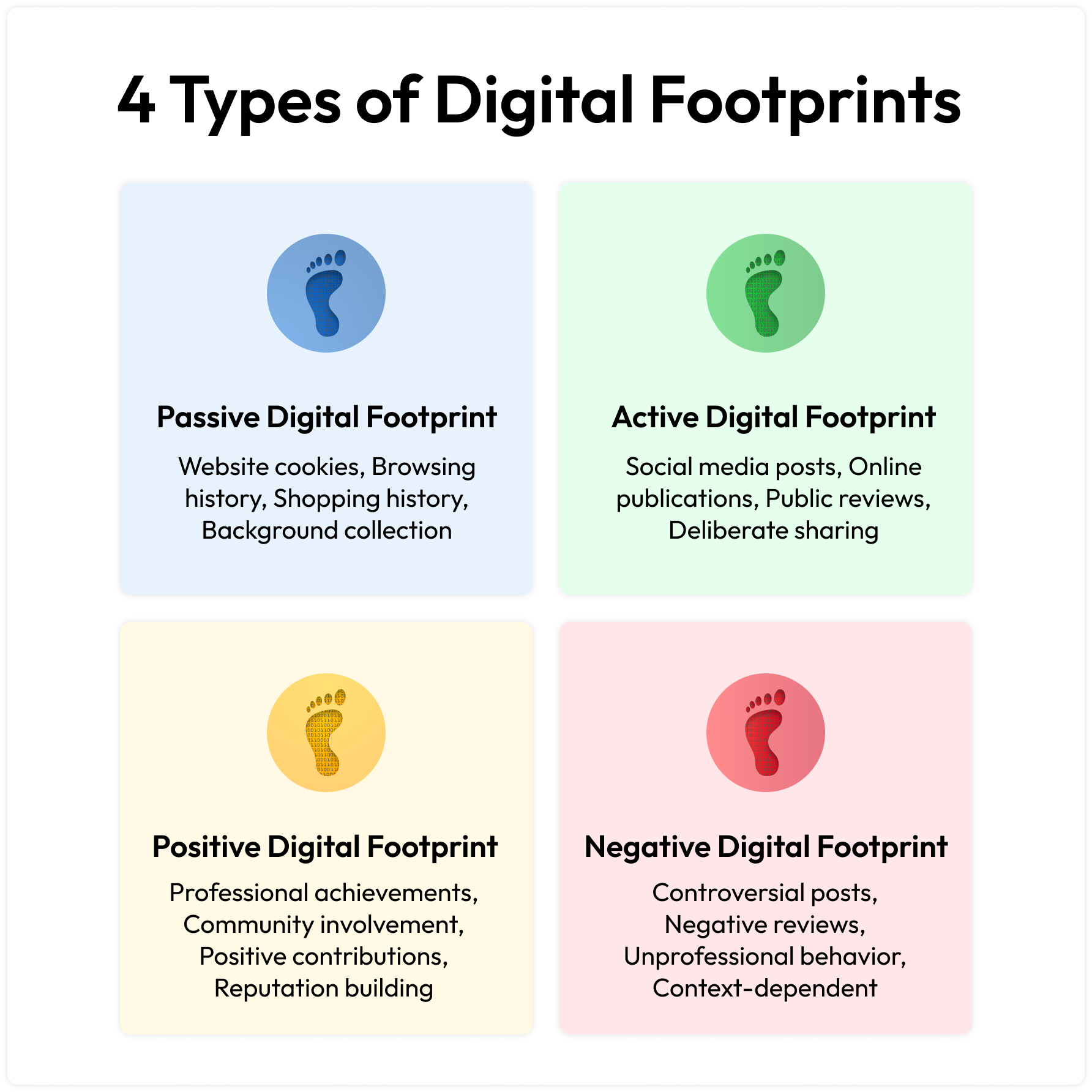 The good news? You don’t need hours to do a full digital footprint audit. In just 10 minutes, you can run a quick online privacy check, identify your weak spots, and take action. Here’s your step-by-step guide.
Step 1 (Minute 0–1): Google Yourself
Open an incognito/private browser and search your name in quotes. Try variations like your nickname or middle initial. Then search your email and phone number.
Use advanced search tricks:
site:linkedin.com "Your Name"→ pulls up LinkedIn resultssite:facebook.com "Your Name"→ shows what’s public
👉 Ask yourself: “Am I okay with a stranger seeing this?” If not, it’s time to adjust privacy settings.
Step 2 (Minute 1–2): Check for Breaches
Go to Have I Been Pwned (HIBP) and enter your email(s). This free tool tells you if your accounts were caught in data breaches.
- If your email shows up → change that password immediately.
- Enable two-factor authentication (2FA) where possible.
HIBP also has a password checker to see if your password is already exposed.
Step 3 (Minute 2–3): Run a Security Checkup
- Google users: Visit Google Security Checkup to review connected apps, saved passwords, and suspicious logins.
- Apple users: Check your Privacy Dashboard
- Microsoft users: Go to Microsoft Privacy Dashboard
These dashboards show you what apps and services have access to your account. Remove any that you don’t recognize.
Step 4 (Minute 3–4): Review Connected Apps
Head to your Facebook, Instagram, LinkedIn, and Google accounts → find “Apps and Websites” / “Connected Apps.”
Old quiz apps, random logins, or services you don’t use anymore? Disconnect them. They often continue harvesting data long after you’ve forgotten them.
Step 5 (Minute 4–5): Check Social Privacy Settings
Go to your main social platforms and view your profile as “Public.”
- LinkedIn: Hide your email, phone, and birthday.
- Facebook: Limit who can see your friends list and posts.
- Instagram/TikTok: Switch to private if you don’t need public exposure.
A social media privacy check takes just a minute per platform and prevents oversharing.
Step 6 (Minute 5–6): Audit App Permissions
On your phone:
- iPhone: Settings → Privacy & Security → App Privacy Report.
- Android: Settings → Privacy Dashboard.
Revoke permissions for apps that don’t need constant access to your camera, microphone, or location.
Example: Does a flashlight app really need your location? Nope.
Step 7 (Minute 6–7): Reverse Image Search Your Profile Photo
Go to Google Images or TinEye and upload your profile picture.
This can reveal:
Old profiles you forgot about
Fake accounts using your photo
Blogs or forums where your picture is reposted
Step 8 (Minute 7–8): Adjust Ad Settings
- Google: Visit My Ad Center
- Facebook/Instagram: Go to Ad Preferences.
Here you can:
- Turn off targeted ads
- Remove sensitive categories (like health, politics, or relationships)
- Limit advertiser data use
You’ll still see ads, but they’ll know less about you.
Step 9 (Minute 8–9): Strengthen Passwords
Run a quick password audit:
- Google Password Manager or your own password manager (Bitwarden, 1Password, LastPass).
- Change reused or weak passwords.
- Enable 2FA everywhere—preferably using an authenticator app like Authy or Google Authenticator.
Strong, unique passwords are the backbone of any digital footprint audit.
Step 10 (Minute 9–10): Check Data Brokers
Search your name on people-finder sites like Spokeo, Whitepages, BeenVerified, or TruthFinder.
If you see your home address or phone number listed, use their opt-out forms.
For an easier route, services like DeleteMe or Incogni automate removals across dozens of brokers.
Quick Wins in 10 Minutes
That’s a 10-minute online privacy check that could save you hours of headaches later.
✅ Breach check completed
✅ Passwords strengthened
✅ Apps disconnected
✅ Privacy tightened
✅ Ads limited
✅ Data broker exposure flagged
That’s a 10-minute online privacy check that could save you hours of headaches later.
Next Steps if You Want to Go Deeper
- Credit Freeze: Protects your credit report from unauthorized use. Start at IdentityTheft.gov
- Delete Old Accounts: Use JustDeleteMe for direct delete links.
- Ongoing Maintenance: Set a quarterly reminder to repeat this audit.
Conclusion
Your digital footprint audit doesn’t need to be overwhelming. In just 10 minutes, you’ve uncovered leaks, patched weak spots, and taken control of your privacy.
Think of it like brushing your teeth—small, regular checkups keep your online identity healthy and safe.
Take the challenge today, and share this checklist with a friend. A safer internet starts with small, intentional steps.